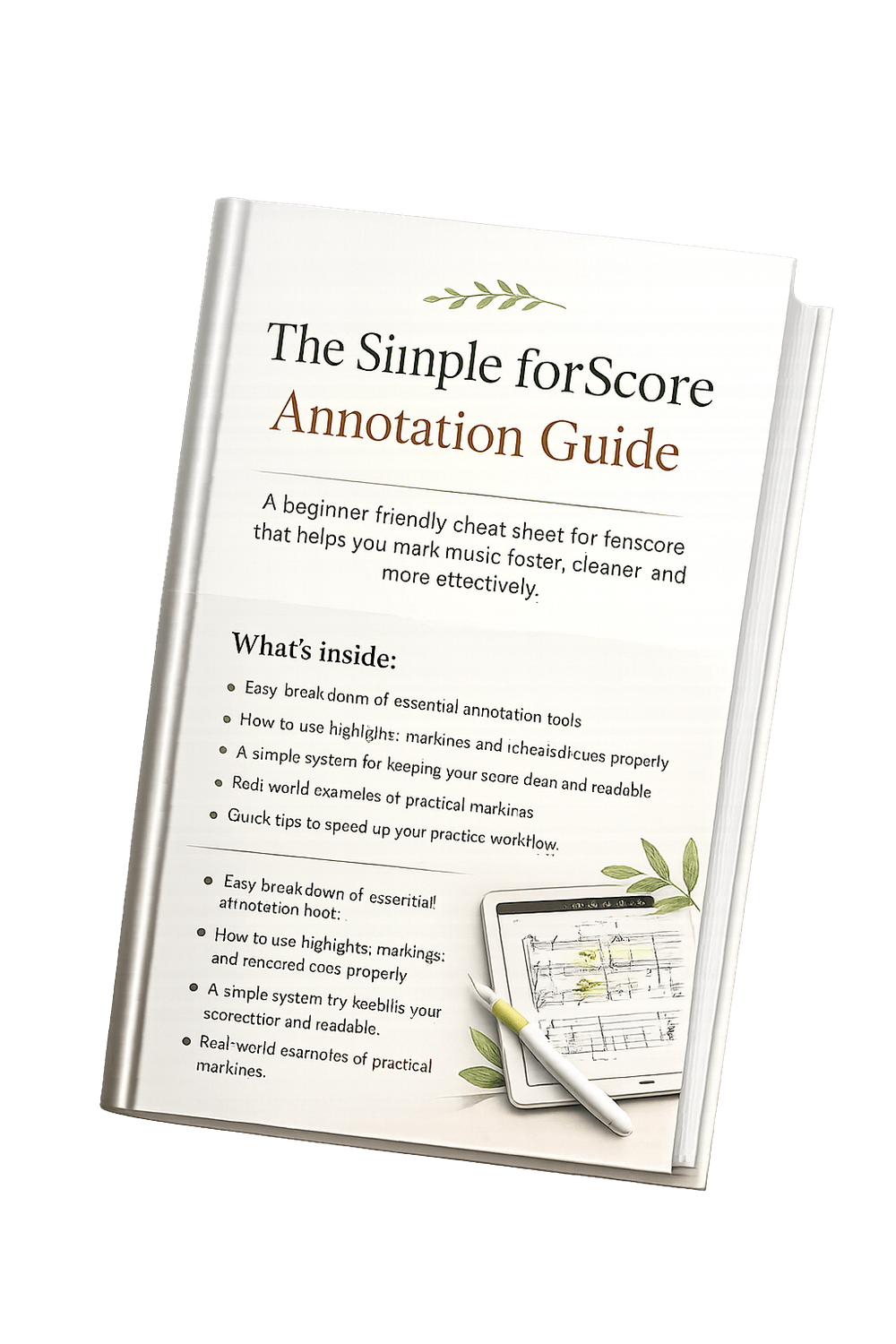
A beginner-friendly cheat sheet for forScore that helps you mark music faster, cleaner, and more effectively.
The Simple forScore Annotation Guide
Easy breakdown of essential annotation tools
How to use highlights, markings, and rehearsal cues properly
A simple system for keeping your score clean and readable
Real-world examples of practical markings
Quick tips to speed up your practice workflow
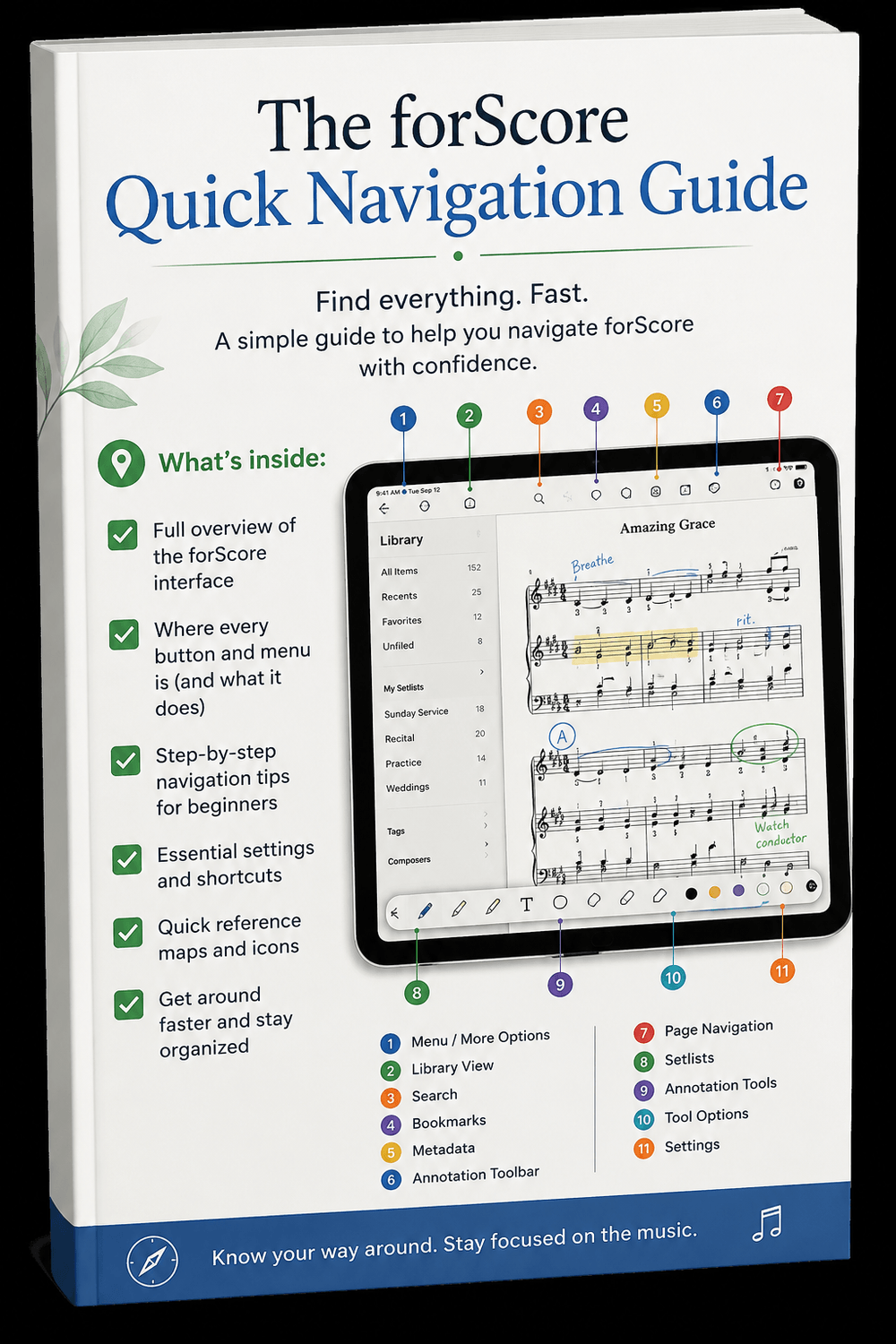

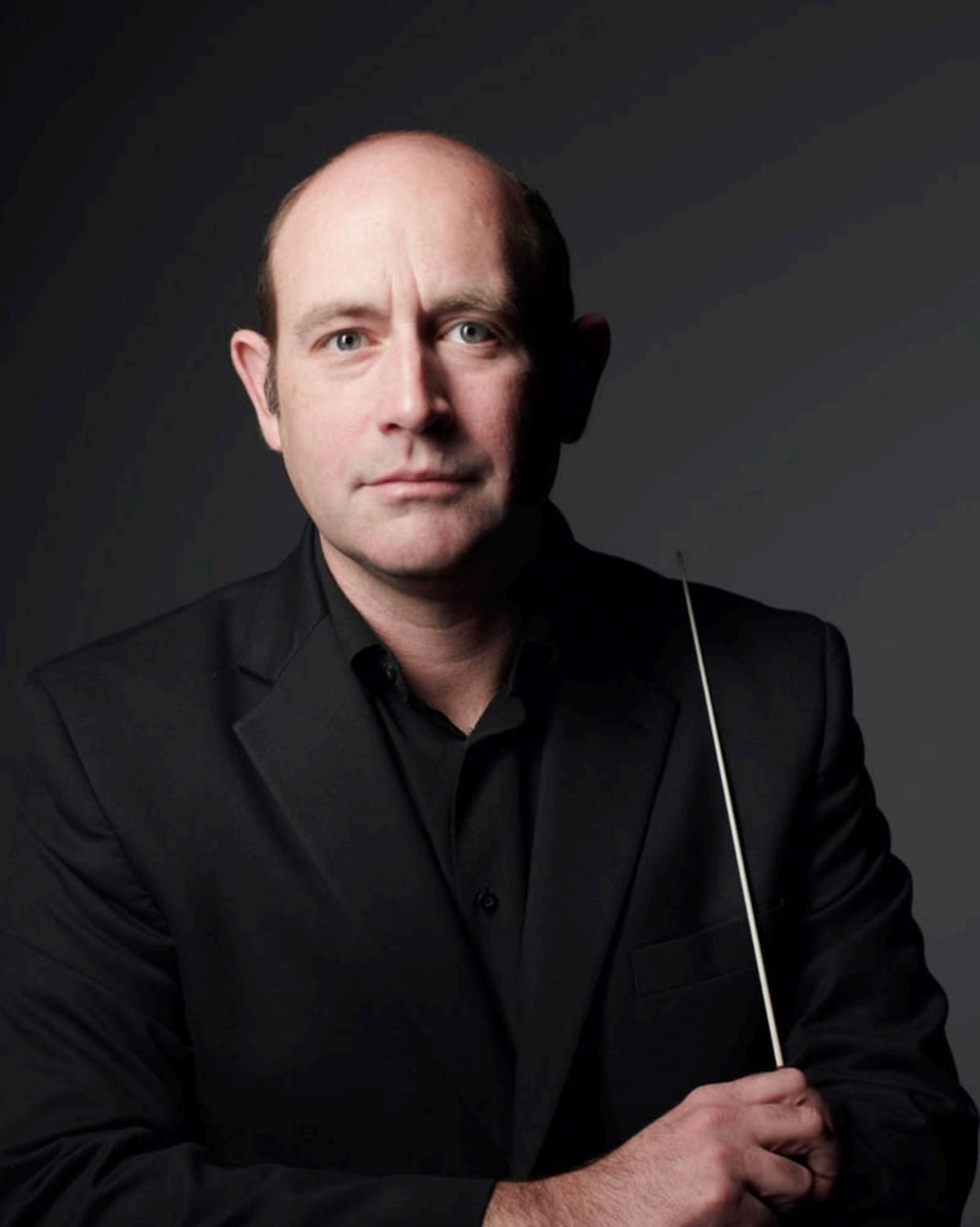
About The Author
CJ CAPEN
I created this guide because I’ve seen how powerful forScore can be for musicians—but also how overwhelming it feels when you first start using it. Most players only scratch the surface of the annotation tools, and many end up cluttering their music with markings that actually make practicing and performing harder.
As a pianist, music director, and educator, I rely on clean, organized scores every day.
Over the years, I’ve developed simple systems for marking music efficiently so rehearsals move faster, page turns feel easier, and important musical ideas stand out immediately. I realized that many musicians were never taught how to annotate digitally in a practical, readable way.
This cheat sheet was designed to simplify that process. Instead of giving you complicated workflows or advanced features you may never use, I wanted to create something clear, beginner-friendly, and immediately useful. My goal is to help you feel more confident using forScore while saving time in practice and performance.
If this guide helps you create cleaner, smarter, and more organized scores, then it has done exactly what I hoped it would do.
Mark Music Clearly in forScore
Most musicians underuse annotation tools—or use them in a way that makes scores harder to read. This guide fixes that with clarity and structure.
Drive consistent traffic to your videos in just days...
We HATE spam. Your email address is 100% secure